What you will find in the app
Everything you see in the app matches your class. When you create your account, you choose your level: the lessons, exercises and corrections you are offered then follow that choice. You never get lost in content that is not for your level.
Short video lessons
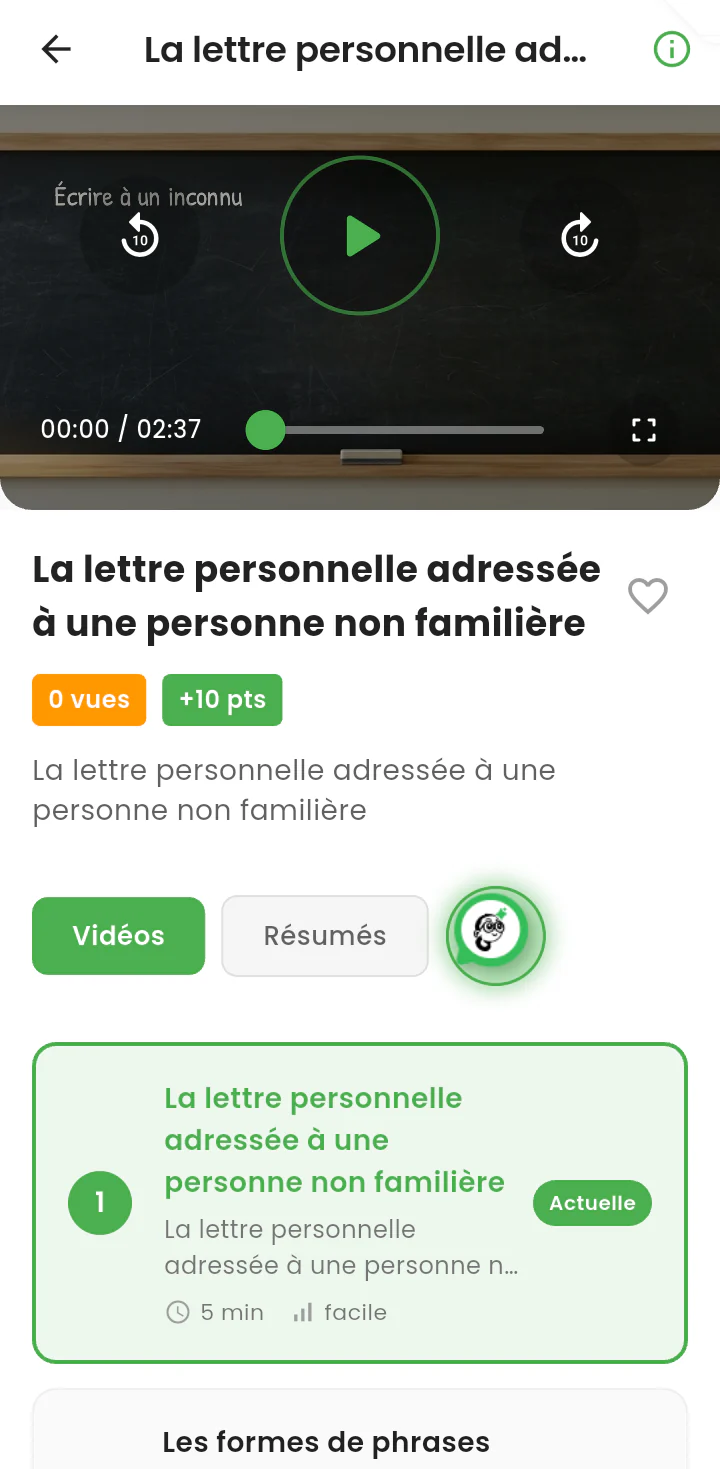
In the "Cours" tab, you pick a subject, then a chapter, and open a lesson. Each lesson is explained in a short video, with a written summary you can reread before a test. The lessons of a chapter are kept in order, so you move forward step by step.
Videos you can keep offline
In the Android app, you can download a lesson to watch it later without a connection. The file size is shown before you download. Videos also come in a light quality (240p), designed for small data plans and slow networks.
Exercises and quizzes marked straight away
In the "Exercices" tab, each exercise tells you before you start how many questions it has, how long it should take, how many points you can earn and which skill it works on. When you answer, the correction comes immediately: you know right away what you understood and what you need to review. If you are stuck, the "Voir la leçon" button takes you back to the matching lesson.
Corrections of your textbooks
The library gathers corrections of exercises from the textbooks used in class, explained on video or in writing. It is there to check your work once you have done it yourself, not to replace it.
Challenges to keep the pace
The daily challenge, your streak of active days and badges reward regular work. A few minutes every day are worth more than a long session the night before a test: the app helps you build that habit.
Suklu AI, your tutor
When something is still unclear, you can ask Suklu AI to explain it again in a different way, from a lesson, an exercise or the home screen. Its answers follow safety rules designed for minors, and any answer can be reported if it looks wrong or inappropriate.
Stay connected with your tutor and your family
- Join a class: with the invitation code from your tutor, you join their class and receive the exercises they assign to you.
- Link your parent's account: your parent generates a six-character code (or a QR code), valid for 24 hours. You enter it in your profile and your accounts are linked.
- Messages: you can talk with your tutor and your parent in the app.
How to get started
- Install the app from Google Play, or open the web version at app.sukluacademy.com.
- Create your account with a phone number and a password, then choose your class. An email address is not required.
- Watch a first lesson, then do the exercise that follows it.
- Ask your parent to link their account to yours, so they can follow your progress.
To see the app screen by screen, visit How the app works.
Going further
- Tips to revise effectively.
- Advice to prepare for the BEPC and prepare for the BAC.
- Worked exercises to practise.